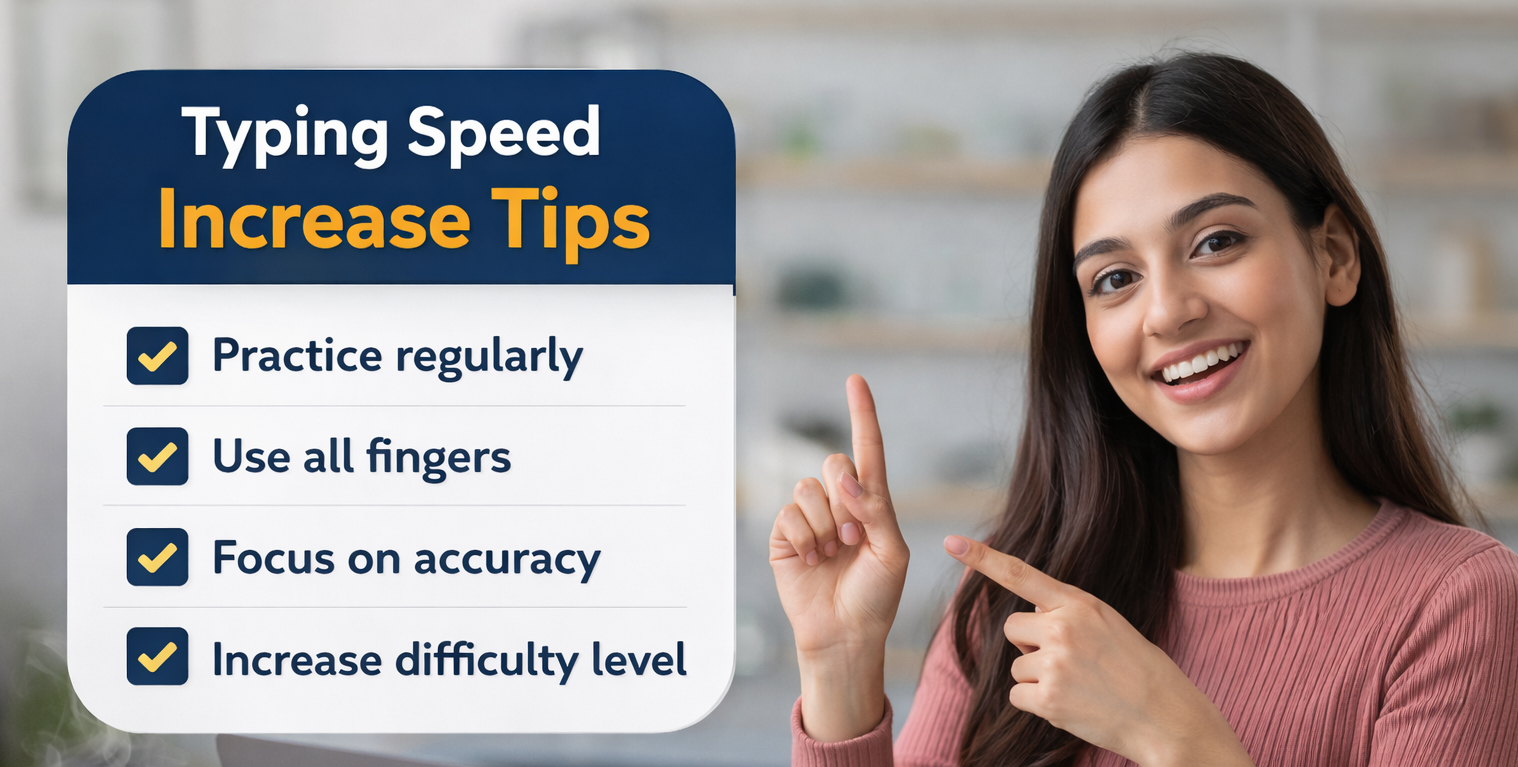
10 Proven Tips to Increase Your English Typing Speed
Whether you are preparing for SSC CHSL CPCT or a private job these practical tips will help you type faster and more accurately starting today.
Practice English Typing Test FreeTyping fast and accurately is one of the most valuable skills you can build in today's world. Whether you are a student preparing for a government exam a working professional or someone who spends hours on a computer every day improving your typing speed directly improves your productivity and performance.
In this guide we cover 10 proven tips to increase your English typing speed with practical techniques you can start using today. No expensive software or courses needed. Just consistent practice and the right approach.
Why Typing Speed Matters
For government job aspirants in India typing speed is not optional. Exams like SSC CHSL SSC CGL DEO CPCT NIELIT and banking clerk tests all require a minimum English typing speed. Beyond exams faster typing means you finish work sooner make fewer errors and communicate more effectively.
The good news is that typing speed is a learnable skill. Unlike intelligence or natural talent it responds directly and predictably to practice. The tips below are ordered from most fundamental to most advanced so work through them in sequence.
Check where you stand right now before you start improving
Take Free English Typing Test See All TestsMaster the Home Row First
The home row is the foundation of all fast typing. Place your left hand fingers on A S D F and your right hand fingers on J K L ; with your thumbs resting on the spacebar. Every key on the keyboard is reached from this base position. Notice that most keyboards have a small raised bump on F and J so your fingers can find the home row without looking down. Until this position becomes completely natural do not move on to building speed.
Stop Looking at the Keyboard
This is the single most important habit change you can make. Looking down at the keyboard breaks your reading flow and destroys your speed ceiling. Touch typing means typing purely from muscle memory with your eyes on the screen at all times. If you cannot stop yourself from looking down place a small cloth over your hands or use a keyboard cover during practice. It will feel slow at first but within 2 weeks your fingers will begin to find keys automatically. You can learn more about touch typing fundamentals on TypingClub External Resource which offers free structured lessons.
Focus on Accuracy Before Speed
This is the rule that most beginners ignore and later regret. Typing fast with errors is slower than typing carefully with accuracy. Here is why: in government exams like PSSSB and CPCT your Net WPM is calculated by deducting errors from your Gross WPM. A person typing at 45 WPM with 80% accuracy scores lower than someone typing at 35 WPM with 98% accuracy. Train yourself to never press a wrong key. Slow down until each keystroke is correct. Speed builds on top of accuracy through repetition.
Practice Daily for 20 to 30 Minutes
Muscle memory is built through repetition over time not through marathon sessions. 20 to 30 minutes of focused daily practice is more effective than 3 hours on a Sunday. Think of it like learning a musical instrument. Short regular sessions rewire the neural pathways that connect your brain to your fingers. Set a fixed time each day and treat it like any other study commitment. Even 15 minutes before or after your main study session makes a measurable difference within weeks.
Use Timed Tests to Track Progress
Practicing without measuring is like exercising without tracking weight. Take a free English typing test every day and record your WPM and accuracy. Seeing your numbers improve week by week is a powerful motivator. Use the 2 minute test as a quick daily warmup the 5 minute test as your main practice and the 10 minute test once or twice a week to build stamina for exam conditions. Timed tests also reveal which specific keys slow you down so you can drill them individually.
Take a timed English typing test right now and get your WPM score instantly
Start 5 Minute Typing TestLearn Proper Finger to Key Assignments
Every key on the keyboard is assigned to a specific finger. Most self taught typists develop their own finger patterns which create a speed ceiling they cannot break past. Learning the standard finger assignment removes that ceiling. For example the left index finger covers F G and sometimes R T while the right index finger covers J H and sometimes U Y. Resources like Keybr External Resource use adaptive algorithms to identify your weakest keys and focus your practice exactly where you need it most.
Practice Problem Keys and Letter Combinations
After taking a typing test review which words or keys caused the most errors. Common problem areas for most learners include the letters Q Z X P and B as well as punctuation marks and capital letters that require the shift key. Do not just retype full paragraphs. Isolate the problem keys and drill them in short focused bursts. Typing qaz qaz qaz or pbp pbp pbp for 5 minutes trains your fingers on the exact movements you are struggling with far more efficiently than general practice.
Read Ahead While You Type
Fast typists do not type what they are currently reading. They type what they read a moment ago while their eyes are already scanning the next word or phrase. This technique is called reading ahead and it eliminates the pause between reading a word and typing it. Start practising by consciously trying to keep your eyes one or two words ahead of where your fingers are. It feels awkward at first but becomes natural quickly and can add 10 to 15 WPM to your score without any other change.
Maintain Good Posture and Wrist Position
Physical setup affects typing speed more than most people realise. Sit up straight with your feet flat on the floor and your elbows at approximately 90 degrees. Keep your wrists slightly elevated above the keyboard rather than resting them on the desk while typing. Your monitor should be at eye level so your neck is neutral. Poor posture causes fatigue which makes your fingers slow down and your error rate climb during longer tests. For government exams that run 10 minutes good posture maintains your performance throughout the full duration.
Simulate Exam Conditions During Practice
If you are preparing for a specific exam like SSC CHSL CPCT or NIELIT your practice should mirror the actual exam as closely as possible. This means using 10 minute timed tests with anti cheat features enabled (no paste no right click) and practising in a quiet focused environment. Our English typing test disables paste and right click to simulate exam conditions exactly. The more your practice feels like the real exam the less nervous you will be on the actual day.
Apply all 10 tips starting today with a free timed practice test
Practice English Typing Now Punjabi Typing TestTyping Speed Goals for Indian Government Exams
If you are targeting a specific government exam use the table below to set your practice goal:
| Exam | Required Speed | Duration | Accuracy |
|---|---|---|---|
| SSC CHSL LDC | 35 WPM | 10 Minutes | 90% and above |
| SSC CGL DEO | 8000 KDPH | 15 Minutes | 90% and above |
| CPCT Madhya Pradesh | 30 WPM | 15 Minutes | 85% and above |
| NIELIT CCC | 30 WPM | 10 Minutes | 85% and above |
| Bank Clerk Typing Test | 30 to 40 WPM | 10 Minutes | 90% and above |
| PSSSB Punjab (English) | 30 WPM Net | 10 Minutes | 95% and above |
Frequently Asked Questions
Helpful Resources to Practice and Improve
- Free English Typing Test Online — Take a timed WPM test and track your progress daily
- Punjabi Typing Test in Ravi Font — For Punjab government exam aspirants
- Hindi Typing Test Online — Practice for SSC and CPCT Hindi typing sections
- Free Computer Knowledge Quiz — Test your MS Office and computer basics
- TypingClub Free External Tool — Structured touch typing lessons for beginners
- Keybr Free External Tool — Adaptive typing practice that targets your weakest keys
- SSC Official Website Official — Check latest SSC exam notifications and typing test standards
Ready to put these tips into action? Start your free typing test now.
Start English Typing Test View All Tests