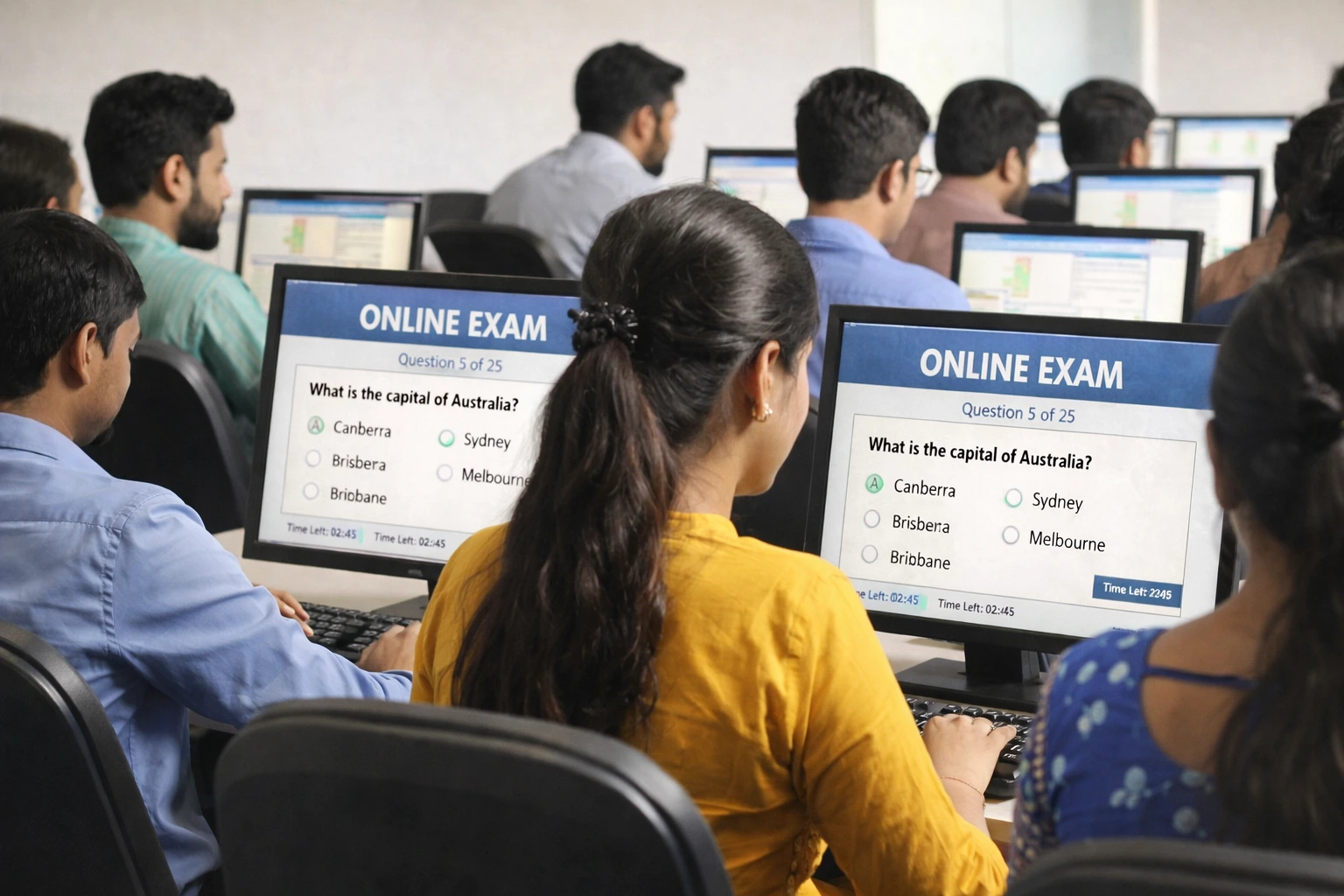
Computer Quiz Online for MS Word Excel and Basic Computer Knowledge
Typing speed is only one part of a government computer proficiency test. Most exams also include a computer knowledge section that covers MS Word, MS Excel, basic internet, and operating system concepts. If you only prepare for the typing part and ignore the theory section you can still fail the exam overall.
That is why IT Crew Typing Test now includes a free computer quiz section where you can test your knowledge on all these topics before your exam.
What Topics Are Covered in the Computer Quiz
Our computer quiz covers the topics that appear most frequently in government computer proficiency tests across India.
Every question in our quiz is written in a straightforward way so you can focus on learning the concept and not get confused by complicated language.
Why MS Word Questions Appear in Almost Every Govt Exam
MS Word is the most commonly tested software in Indian government exams because it is the application that government employees use every day for letters, notices, and official documents. Exams like CCC, NIELIT O Level, SSC MTS, and Punjab government clerical tests all include MS Word questions.
Common topics include creating and formatting documents, using paragraph alignment and spacing, inserting tables, headers and footers, using spell check and track changes, mail merge, and keyboard shortcuts. Our computer quiz includes dedicated MS Word questions so you can practice these topics separately.
MS Excel Questions in Government Computer Tests
MS Excel questions are becoming increasingly common in government exams. Departments that deal with data like treasury, revenue, and finance often test candidates specifically on spreadsheet skills.
The most common Excel topics in exams are basic formulas like SUM AVERAGE MAX and MIN, cell referencing, formatting cells, sorting and filtering data, and creating simple charts. Our quiz covers all of these in an easy practice format.
How the Computer Quiz Works on IT Crew
Go to typing.itcrewonline.com/computer-quiz and enter your name and mobile number to get started. The quiz is timed and shows your score at the end so you know exactly where you stand.
Each attempt gives you a fresh set of questions so you can take the quiz multiple times to improve your score. There is no limit on attempts and no registration fee.
Who Should Take This Quiz
This quiz is ideal for:
- Students appearing for NIELIT CCC and O Level exams
- Candidates preparing for PSSSB computer operator and data entry operator posts
- SSC MTS and CHSL candidates who want to sharpen their computer knowledge
- Anyone who wants a quick check of their MS Word and Excel skills before a job interview
Combine the computer quiz with daily typing practice and you will be preparing for both sections of your government exam on the same platform without needing to go anywhere else.
Take the Free Computer Quiz Now
MS Word • MS Excel • Computer Basics — No login. Instant result.
Start Computer Quiz Practice Typing