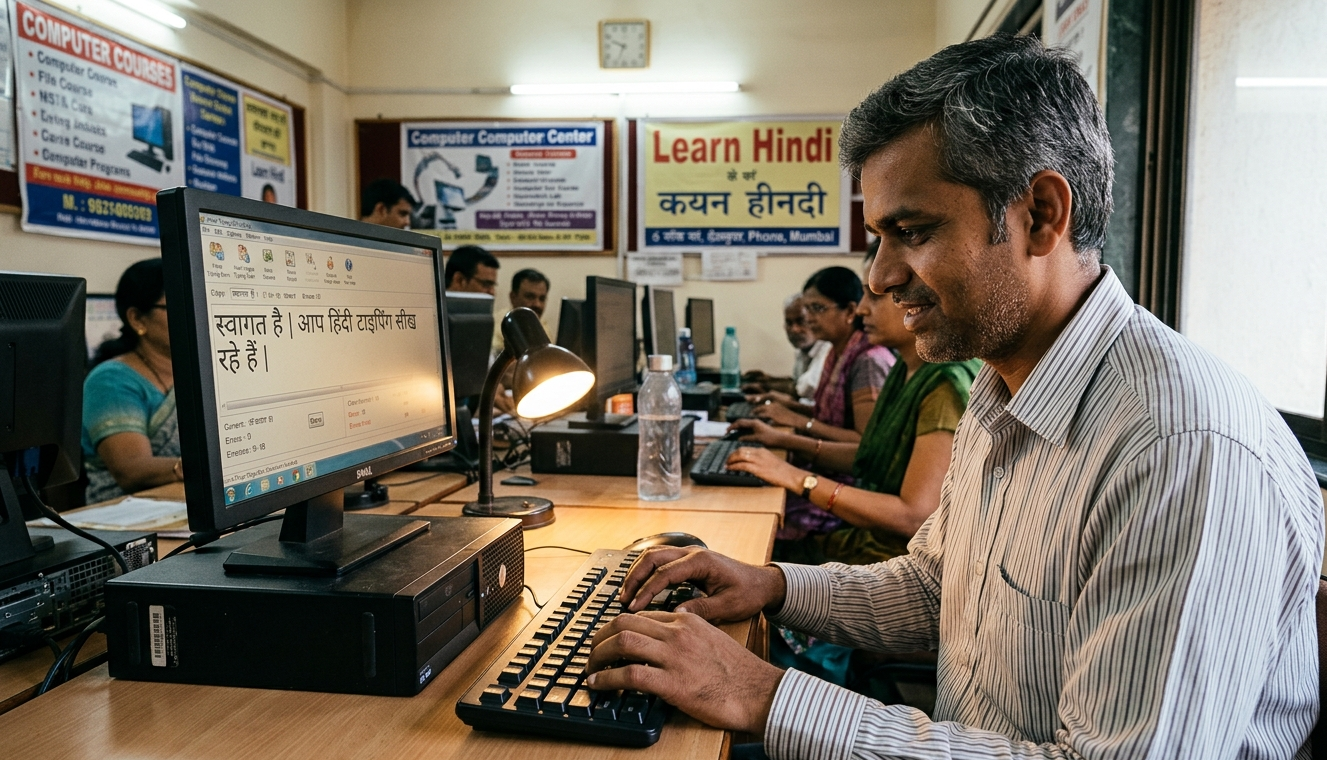
Hindi Typing Kaise Sikhe: Complete Beginner Guide for Govt Exam 2025
Thousands of government job aspirants fail the SSC CHSL or CPCT typing round every year — not because they lack knowledge but because they never learned Hindi typing the right way. This guide gives you a clear step-by-step roadmap from zero to exam-ready speed in Krutidev and Mangal fonts.
1 Why Hindi Typing Is a Must-Have Skill in 2025
Hindi typing is no longer just a nice-to-have skill. It is a hard requirement for cracking some of the most sought-after government jobs in India. SSC CHSL LDC and JSA posts, CPCT for Madhya Pradesh government jobs, Railway NTPC clerk posts, UP Police Computer Operator, and dozens of state-level recruitment exams all have a mandatory typing test round that you must clear regardless of how high you scored in the written exam.
The brutal truth is this: if you fail the typing test you are out — even if you topped the written exam. And the good news is that Hindi typing is genuinely learnable in a structured way. You do not need a coaching center. You need a method and consistent daily practice.
Interesting fact: Hindi typing is actually easier than English typing in one way — you never have to think about spellings. Every word is typed exactly the way it sounds. Once you memorize the keyboard layout your speed improves faster than English.
2 Krutidev vs Mangal: Which Font Should You Learn?
Before you start practicing Hindi typing the most important decision is choosing the right font and keyboard layout. Getting this wrong means wasting weeks of practice on the wrong layout for your exam.
Always check your exam notification first. If your notification says Krutidev or Remington layout practice only on that. If it says Mangal or Unicode practice only on Mangal. Mixing the two layouts will confuse your muscle memory completely.
3 Hindi Typing Speed Required in Major Govt Exams
Here is a quick reference table showing exactly how much speed you need for each major exam. Study this before setting your practice target.
| Exam | Hindi Speed | Duration | Font / Layout |
|---|---|---|---|
| SSC CHSL (LDC/JSA) | 30 WPM | 10 Minutes | Krutidev / Mangal |
| SSC CGL | 30 WPM | 10 Minutes | Krutidev / Mangal |
| CPCT (MP Govt) | 25 WPM | 15 Minutes | Remington Gail |
| Railway NTPC Clerk | 25 WPM | 10 Minutes | Remington / Mangal |
| UP Police Computer Operator | 25 WPM | 10 Minutes | Remington |
| High Court Steno / Clerk | 35 WPM | 10 Minutes | Remington Gail |
WPM is calculated using the standard formula: total characters typed divided by 5 divided by minutes. For most exams error penalties also apply so accuracy matters as much as speed. Maintain 95 percent or above accuracy at all times during practice.
4 Always Start From the Home Row
Every professional typing course in the world starts from the Home Row. Hindi typing is no exception. The home row in Krutidev layout is the middle row of the keyboard. In Krutidev the left index finger rests on the G key which maps to the Hindi character ह and the right index finger rests on the K key which maps to आ की मात्रा.
Look for the raised bumps on the F and J keys on your keyboard. These are your anchor points. Your left index finger always returns to F and your right index finger always returns to J. Never skip this positioning habit because it is the foundation of touch typing.
Home Row Rule: After pressing any key always bring your fingers back to the home row position. This is not just a beginner tip — it is what every fast typist does automatically. The moment you break this habit your speed ceiling drops permanently.
5 Step by Step Plan to Learn Hindi Typing
Follow this structured learning path. Do not skip steps. Each step builds on the previous one and rushing ahead without mastering each row will create bad finger habits that are hard to unlearn.
For Krutidev download and install Krutidev 010 font. For Mangal enable the Hindi Inscript keyboard from Windows language settings. Do this before any practice session.
Print or keep a Krutidev or Mangal keyboard chart in front of you. Spend your first session just looking at which Hindi character is on which key. Do not type yet. Just memorize visually.
Type only home row characters for the first 2 days. Type slowly and correctly. Do not use the wrong finger even once. Wrong finger habits built in day 1 take weeks to undo.
Move to the upper row on day 3 and the lower row on day 4. Combine with home row practice. Spend at least 45 minutes per day on the new row and 15 minutes revising what you already know.
Hindi typing has matras like ि ी ु ू े ै ो ौ and half characters like ् and ं. These are the hardest part for beginners. Devote at least 3 full days only to matra combinations before moving on.
Krutidev has several characters that need Alt key plus numeric pad combinations. Learn these codes for characters like ऋ ॥ ँ and others that do not appear directly on the keyboard.
Once you know the full layout take a 10-minute Hindi typing test on IT Crew every day. Track your WPM and accuracy. Set a new personal best each week.
6 Pro Tips to Improve Hindi Typing Speed Faster
This one rule separates learners from experts. Cover your keyboard or close your eyes if needed. Looking down resets your speed progress every single time.
Type at 60 percent of your max speed but with zero errors. Speed follows accuracy automatically. Most exam failures happen because of error penalties not slow speed.
3 sessions of 20 minutes build finger memory better than 1 session of 2 hours. Consistency over intensity is the rule for typing skill.
Laptop keyboards are softer than exam center keyboards. Practice on a USB mechanical or hard-key keyboard to simulate real exam conditions as closely as possible.
Use the Disable Backspace mode on IT Crew typing test. Most govt exams do not allow corrections. Train without backspace from week 2 onwards to build clean typing habits.
Note down your WPM and accuracy every week. Seeing progress in numbers keeps you motivated and tells you exactly how much more work you need to do before the exam.
7 Common Mistakes Hindi Typing Beginners Make
Practicing on the Wrong Font
This is the most costly mistake. A candidate prepares for weeks on Mangal Inscript but the exam requires Krutidev Remington. The key positions are completely different in both layouts. Always confirm the font from the official exam notification before your first practice session.
Skipping Matras and Focusing Only on Base Characters
Many beginners learn all the base consonants quickly and feel confident. But Hindi words are built with matra combinations. Without mastering ि ी ु ू े ो and the half character ् you cannot type a single full sentence correctly. Give matras equal or more practice time than base characters.
Practicing Speed Before Building Accuracy
Trying to type fast before your fingers know the correct keys creates errors. Those errors become habits. Bad habits in typing are extremely hard to break. Always build accuracy to 95 percent first and then push speed.
Irregular Practice Sessions
Typing is a muscle memory skill like swimming or cycling. Your brain needs daily repetition to lock in the keyboard positions. Skipping practice for 3 or 4 days means your fingers forget what they learned and you have to relearn. Even 20 minutes every day is far better than 3 hours once a week.
8 Frequently Asked Questions
Start Practicing Hindi Typing Today — Free
No registration needed. Krutidev and Mangal both supported. Exam-pattern based practice.